
The marketing wing.
Campaigns, automations and topics — in the same house as the email your product already sends, on the domain reputation you already earned. No second tool, no second list.
Draft freely in the sandbox · Sending ships with paid plans

Compose once. Pick who. Send.
Compose with a saved template or raw HTML, pick a segment, send now or schedule for later. Every campaign reports its own delivery and engagement metrics, and every send rides the domain reputation your transactional mail already warmed — nothing goes to anyone who hasn't opted in to that topic.
Open the composer →Welcome to winback, while you ship.

Plain steps, no canvas maze.
An automation is a multi-step sequence you can read aloud: triggered by a signup, an event, or an inbound reply, with delays and branches between sends, and stop conditions that end it the moment someone converts or unsubscribes. Set it once and it runs while you ship.
The reader chooses what arrives.
Every campaign belongs to a topic — news, tips, billing, yours to define. Readers manage their own subscriptions on a hosted preference page, and every send carries one-click unsubscribe scoped to that topic, not a nuclear opt-out.
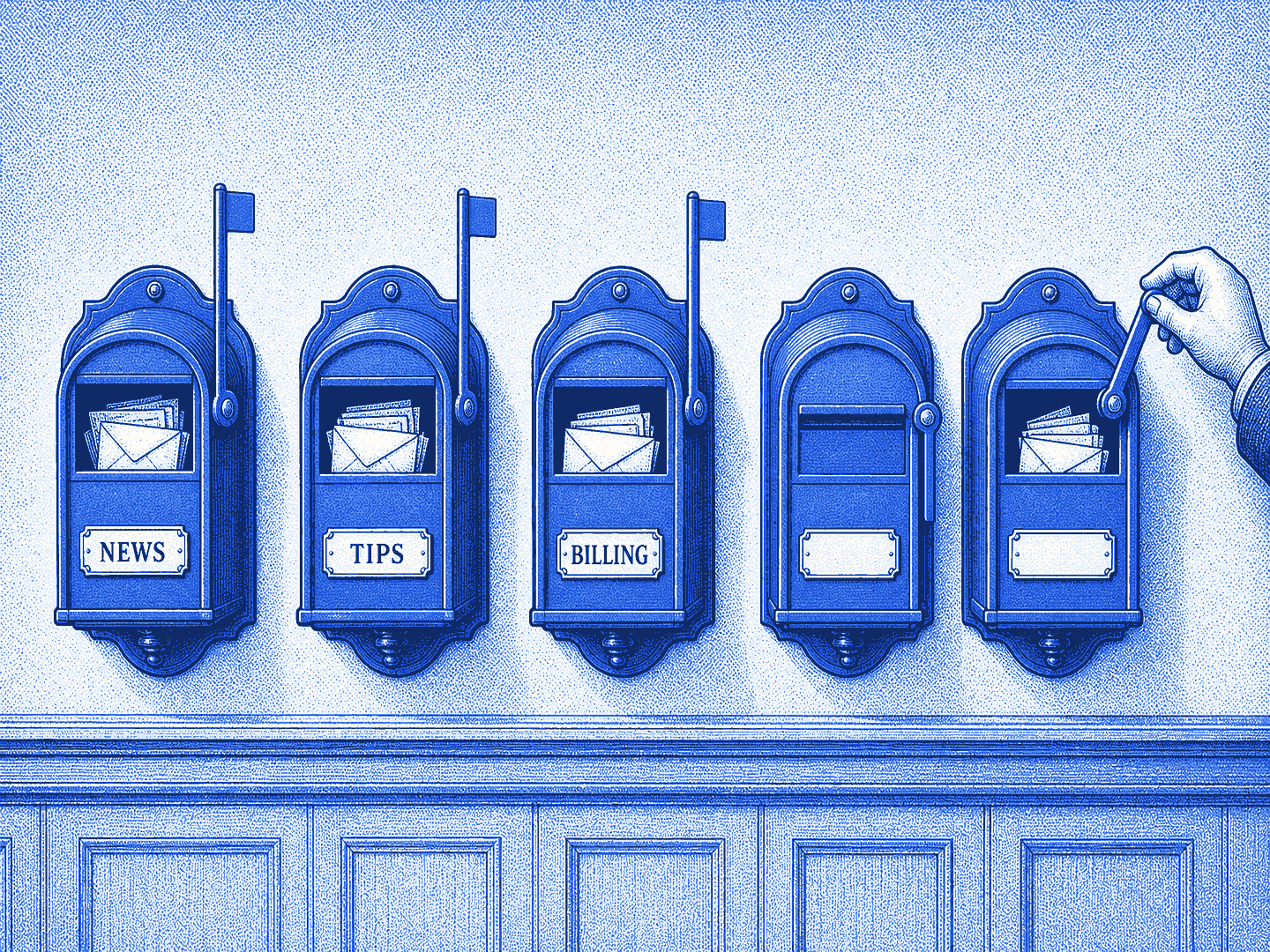
Per-topic subscriptions — a reader can leave the newsletter and keep billing notices.
- Per-topic subscription state on every contact
- Topics are yours to define — news, tips, billing
- Transactional mail is never caught in an opt-out
A hosted page where readers manage their own subscriptions — no support ticket required.
- Hosted by Drin, linked from every campaign
- Readers flip topics on and off themselves
- Changes apply to the very next send
Every campaign carries the one-click header, scoped to its topic. Compliance is the default, not a setting.
- One-click unsubscribe headers on every send
- Scoped to the topic, not a nuclear opt-out
- Compliance by default — nothing to configure
Nothing blasts without a human reply.
Whether a teammate or an agent drafted it, a campaign launches one way: the approval email lands in your inbox, and you reply APPROVE. The audit trail is your own mail archive.
— sent from your phone, on the train, at 8:42
Import contacts by CSV or API. Consent comes along — topics and suppressions apply from the first send.
Segments are built from what contacts do — joined recently, opened lately, replied ever — not from lists you have to weed by hand. And your transactional suppressions already protect every campaign.