
HTML forms to email, no backend.
Point any HTML form's action at a Drin endpoint and submissions land in your inbox — or on your webhook — with spam filtering, file uploads and reply-to already wired in. No server to stand up, and no API key exposed in the browser.
Free sandbox to integrate · Production from $3/month
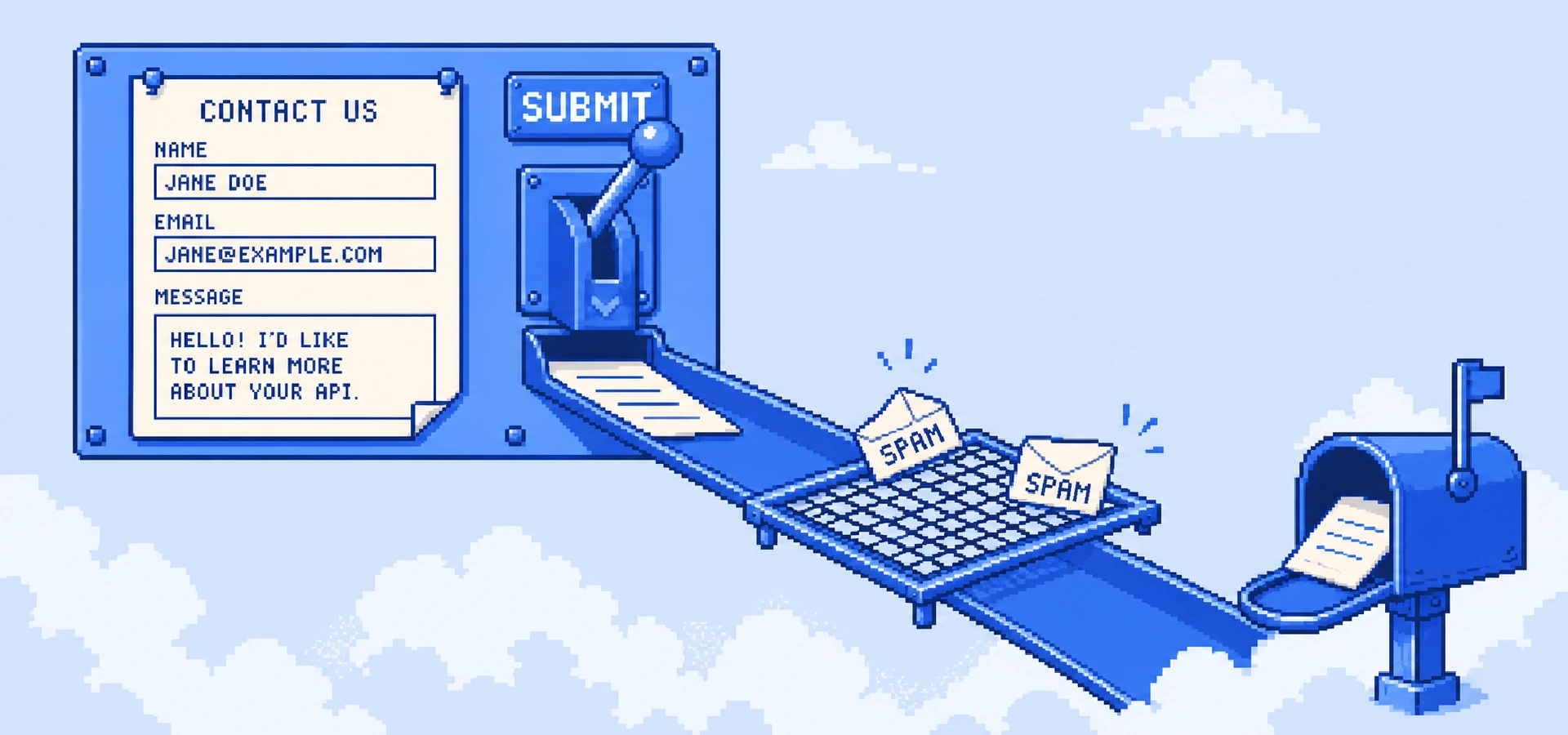
A contact form without a backend to babysit.
A contact or feedback form shouldn't require a server, a queue and a spam strategy. The classic hack — mailto: links or a throwaway function — either breaks or drowns you in junk.
Drin gives each form its own endpoint. Set your form's action to it and submissions arrive as a threaded email in your inbox, or as JSON on your webhook. A honeypot and filtering keep bots out, file uploads come through as attachments, and reply-to is set so you can answer the sender directly — all without a line of server code.
Just set the form action.
Create a form endpoint in the dashboard, drop it into your form's action, and you're done. It's static-site friendly — nothing runs on your side and no secret ships to the browser.
Read the docs →<form action="https://forms.drin.run/f/contact_8821" method="POST"> <input name="email" type="email"> <textarea name="message"></textarea> <button>Send</button> </form> <!-- submissions → your inbox · spam-filtered · no API key -->
The three that make it work.
Set the action attribute to your Drin form endpoint and ship. Works from any static site — no build step, no server.
A honeypot and content filtering catch bots before a submission ever reaches you, so your inbox stays signal.
Land submissions as a threaded email in your inbox, or as JSON on your webhook — with uploads as attachments and reply-to set.
The surfaces that power it.
Not a bolt-on — this job runs on the same platform as everything else you send and receive. One account, one bill.
Asked about forms → email.
Do I need a backend or an API key?+
Neither. The form posts straight to your Drin endpoint — nothing runs on your server, and no secret is exposed in the browser. It's ideal for static sites.
How is spam handled?+
Each endpoint includes a honeypot field and content filtering, so most bot submissions are dropped before they reach your inbox or webhook.
Can people attach files?+
Yes. File inputs come through as attachments on the resulting email, or as parts on the webhook payload.
Where do submissions go?+
Wherever you point them: a threaded email in a Drin inbox, a forwarding address, or a JSON POST to your own webhook.